Claude Code is useful on its own. It gets a lot more useful when it can look things up for itself: the database schema, the open GitHub issues, the error in Sentry. That's what Claude Code MCP servers are for. Here's how I connect them, with the exact commands.
What MCP is, quickly
The Model Context Protocol is an open standard for plugging tools into AI apps. An MCP server exposes a set of tools ("run this query", "list issues", "open this page in a browser"). Claude Code connects to the server and can call those tools during a session.
There are two shapes:
- Hosted servers you reach over HTTP, like Sentry, Linear or Notion.
- Local servers Claude Code starts as a process on your machine, like a browser controller or a database client.
Add a hosted server
Run this in your terminal, not inside a Claude session:
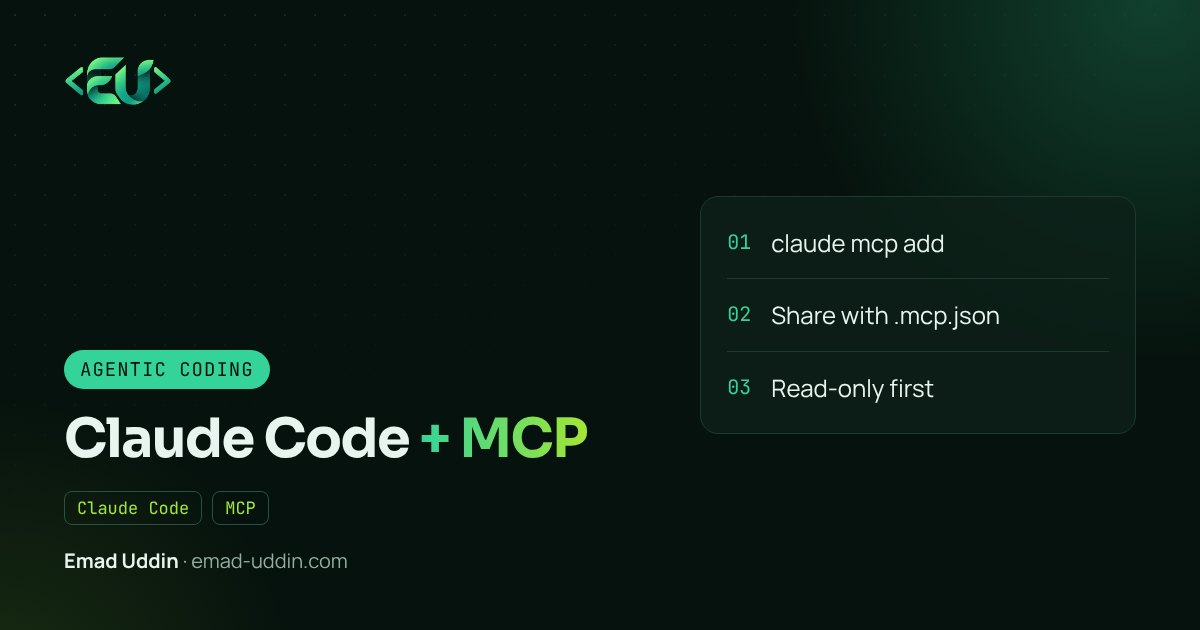
claude mcp add --transport http sentry https://mcp.sentry.dev/mcp
sentry is a name you choose. Then check it:
claude mcp list
Hosted services usually need a sign-in. You'll see Needs authentication. Start claude, type /mcp, pick the server and choose Authenticate. Your browser opens, you approve, and it connects.
Servers that use a static token instead of OAuth take it as a header when you add them:
claude mcp add --transport http my-service https://example.com/mcp \
  --header "Authorization: Bearer YOUR_TOKEN"
Check the service's own docs for its exact MCP URL; don't guess it.
Add a local server
Everything after -- is the command Claude Code runs. The Playwright server, which gives Claude a real browser, is a good first one:
claude mcp add playwright -- npx -y @playwright/mcp@latest
Now you can say "open localhost:8000/checkout and tell me if the total updates when I change the quantity", and it will.
If a server needs an API key, pass it with --env KEY=value.
Scopes: who gets the server
This is the part people miss. claude mcp add uses local scope by default: only you, only this project.
| Scope | Stored in | Who gets it |
|---|---|---|
local (default) |
~/.claude.json |
You, this project |
project |
.mcp.json in the repo |
Everyone who clones it |
user |
~/.claude.json |
You, every project |
For a team, use --scope project. It writes .mcp.json, which you commit:
{
  "mcpServers": {
    "playwright": {
      "type": "stdio",
      "command": "npx",
      "args": ["-y", "@playwright/mcp@latest"]
    },
    "sentry": {
      "type": "http",
      "url": "https://mcp.sentry.dev/mcp"
    }
  }
}
Teammates get a prompt to approve project servers the first time. That's on purpose: a cloned repo shouldn't be able to start processes on your machine without asking.
Never put tokens in .mcp.json. Use environment variables.
Connecting a database
For databases I use a local MCP server pointed at a local or staging copy, with a read-only user. Then I can ask things like "which tables reference orders.customer_id?" or "how many subscriptions have no payment method?" and get real answers from the schema and data.
For a Laravel app, you can also build your own small MCP server inside the app that exposes exactly the queries you're comfortable with. I'll walk through that in a later post on building your own MCP server.
My safety rules
- Read-only first. Add write tools only after you've watched how the agent uses the read ones.
- No production by default. Staging or local copies. Production stays behind a human.
- Fewer servers. Each one adds tool descriptions to every session's context and another thing the agent can act through. Remove what you don't use with
claude mcp remove <name>. - Check what a server can do before adding it, especially community ones.
- Treat what comes back as data. A GitHub issue or a web page can contain text trying to give the agent instructions.
When it doesn't connect
Failed to connect: runclaude mcp get <name>for the detail. For local servers, run the command yourself to see the real error.- Server connects but no tools: usually a missing environment variable like an API key.
- Changed
.mcp.jsonand nothing happened: restart the session; it's read at startup. - Timeouts on first run while
npxdownloads: start withMCP_TIMEOUT=60000 claude.
The official MCP quickstart for Claude Code covers more cases.
FAQ
What is MCP in Claude Code? An open standard for connecting outside tools. MCP servers expose tools Claude Code can call during a session.
Where does Claude Code store MCP settings?
Local and user scope in ~/.claude.json; project scope in .mcp.json in your repo.
Is it safe to connect Claude Code to my production database? I wouldn't. Use a local or staging copy with a read-only user.
Want your coding agents connected to your own systems safely? That's part of my AI automation services.