Clients ask me which AI coding agent they should buy for their team, and the honest answer is "it depends on how your team works". So here's how I think about the main options, from using them on Laravel, Vue and Flutter projects. I'm not going to rank them by benchmark scores; those change every few weeks. I'm going to tell you where each one fits.
What they have in common
All of these follow the same agent loop: read the code, plan, edit, run commands or tests, read the result, repeat. All can use different models, connect to outside tools through MCP to varying degrees, and work from a project rules file.
The real differences are where they live, how much control you get, and how they behave on your codebase.
Claude Code
Anthropic's agent. It started in the terminal and now also runs in VS Code and JetBrains, a desktop app and the web.
What I like:
- Very good at long, multi-file tasks when it has clear instructions.
CLAUDE.mdfor project rules, read at the start of every session.- Custom subagents, hooks (scripts that run before or after actions, useful as guardrails), skills and MCP for connecting databases, GitHub and other tools.
- Fine-grained permissions: you decide what it can do without asking.
Best for: developers comfortable reviewing diffs, and teams that want to encode their workflow (review, tests, deploy checks) into the tool. It's what I use most.
OpenAI Codex
OpenAI's coding agent comes as an open-source CLI, IDE extensions and a cloud version that works on tasks in the background and opens pull requests.
Best for: teams already on OpenAI, and anyone who likes handing off background tasks to the cloud and reviewing PRs later.
Cursor
An editor (a fork of VS Code) built around AI. It has tab completion, chat and an agent mode that edits across files, and it lets you pick between models from several providers.
Best for: developers who want to stay in an editor and see every change inline. It's the gentlest step up from autocomplete.
Gemini CLI
Google's open-source terminal agent, using Gemini models. Similar loop to Claude Code, with MCP support. Google has offered a free tier for individual developers; check the current limits before you plan around it.
Best for: trying agentic coding without paying first, and teams on Google Cloud.
GitHub Copilot
Copilot has grown from autocomplete into agent features in VS Code, plus a coding agent you can assign GitHub issues to; it works in the background and opens a pull request.
Best for: companies already paying for GitHub, where admin controls and billing through one vendor matter.
How I'd choose
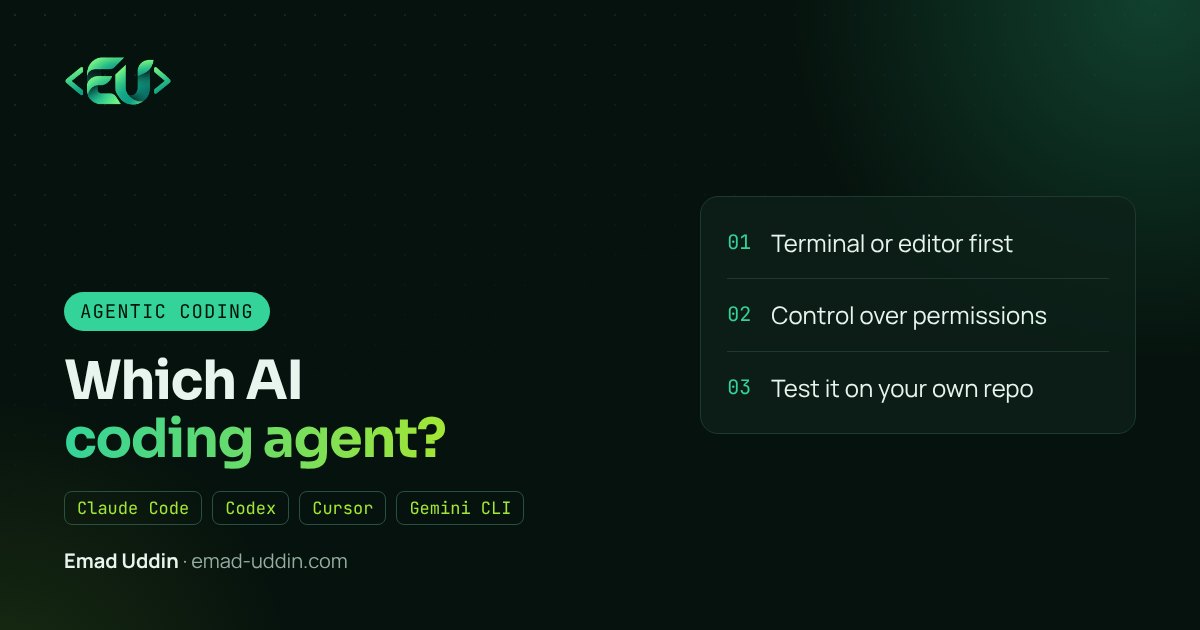
Ask four questions:
- Terminal or editor? If your team lives in VS Code and isn't comfortable with the terminal, start with Cursor or Copilot. If they're happy in the terminal, try Claude Code or Gemini CLI.
- How much control do you need? For client code, I want permission rules, hooks and an audit trail of what the agent ran. Check how each tool handles that.
- Where does your code go? Read the data and privacy terms, especially for client projects. Some clients require that code isn't used for training, or that it stays in a specific region.
- How does it do on your code? This is the only test that counts. Pick three real tickets from your backlog, run each tool on the same ones, and compare the diffs.
My setup
I use Claude Code for most feature work and refactors, with a CLAUDE.md per project and a few subagents for review and tests. For tiny edits I still just type, with normal autocomplete in the editor. Anything bigger than a few lines goes to the agent.
I don't think loyalty to one tool makes sense right now. They're improving fast and leapfrogging each other. Keep your project rules in plain files and your tools connected through MCP, and switching costs stay low.
FAQ
Which AI coding agent is best for beginners? An editor-based tool like Cursor or Copilot in VS Code is the easiest start.
Can I use more than one coding agent? Yes. Shared rules files and MCP servers make switching easier.
Are AI coding agents free? Most have a free tier, but daily use needs a paid plan or API credits. Check current pricing.
If you want help rolling out a coding agent across your team, with rules and guardrails that fit your codebase, see my web app development services.