The first time I used Claude Code subagents properly was on a long refactor. My main session kept filling up with test output and file contents I didn't need to see again. Moving the review and test-running into subagents kept the main conversation focused on the actual decisions.
This guide shows how to build your first custom subagent, step by step, with a code reviewer you can copy.
What a subagent is
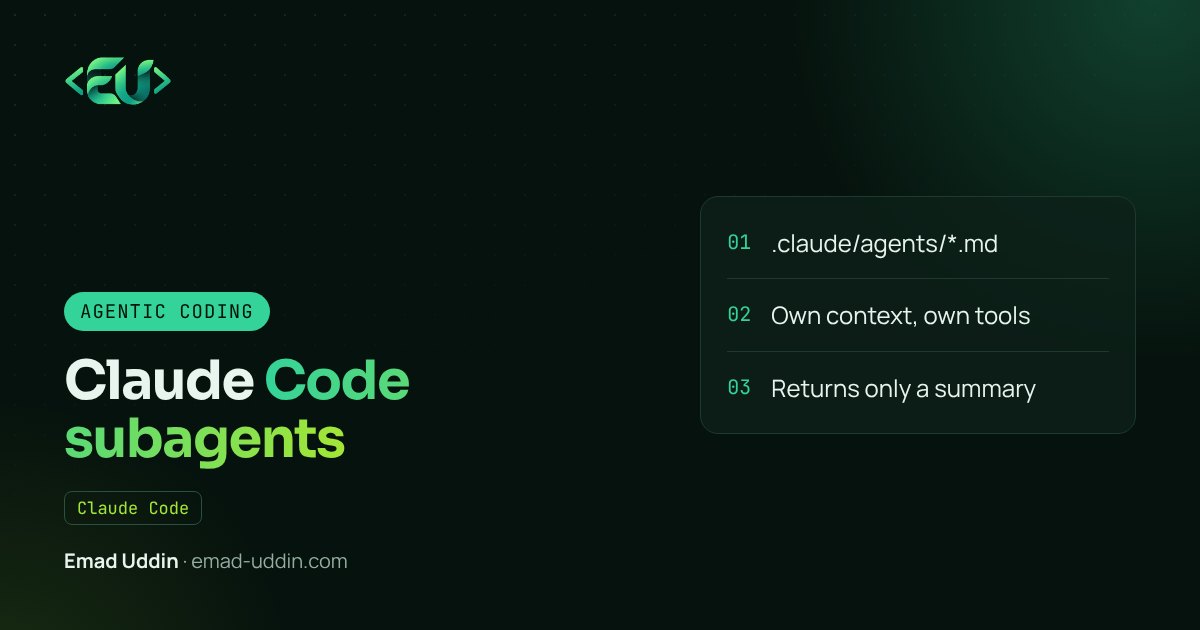
A subagent is a separate Claude instance with its own context window, its own system prompt and its own set of tools. Your main session hands it a task, it does the work, and it sends back a summary.
That last part is the point. If a task produces a lot of output you'll never reread (search results, logs, long files), a subagent does it in its own context and only the useful conclusion comes back. Your main session stays small and sharp.
Claude Code already ships with built-in subagents, like Explore for read-only codebase search and Plan for research in plan mode. Custom subagents are the ones you write.
Where the files go
A subagent is a Markdown file. Where you put it decides who gets it:
| Location | Who it's for |
|---|---|
.claude/agents/ in your repo |
Everyone working on this project |
~/.claude/agents/ |
You, in every project |
If two subagents have the same name, the project one wins over the personal one. Claude Code identifies a subagent by its name field, not the filename.
Step 1: Write the file
Create .claude/agents/code-reviewer.md:
---
name: code-reviewer
description: Reviews code changes for bugs, security issues and project conventions. Use proactively after writing or changing code.
tools: Read, Grep, Glob, Bash
model: sonnet
---

You are a senior reviewer on a Laravel + Vue codebase.

When invoked:
1. Run `git diff` to see what changed.
2. Read the changed files and the code they call.
3. Check for: bugs, missing validation, N+1 queries,
   unescaped output, secrets in code, missing tests.
4. Follow the conventions in CLAUDE.md.

Report findings grouped as Must fix, Should fix and Nice to have.
For each one, give the file, the line and a concrete fix.
Do not edit files.
The frontmatter does the configuration. The body is the system prompt.
Step 2: Understand the fields
Only name and description are required. The ones I use most:
- name: lowercase with hyphens. This is how you refer to it.
- description: the most important line. Claude reads it to decide when to delegate. Say what it does and when to use it.
- tools: an allowlist. Leave it out and the subagent inherits every tool. For a reviewer I give read tools and Bash (for
git diff), and I tell it not to edit. - model:
sonnet,opus,haiku, a full model ID, orinherit. A cheaper, faster model is often enough for focused jobs.
There are more fields (permission mode, max turns, preloaded skills, MCP servers, hooks, running in a git worktree). Check the subagents documentation for the full list, because it changes as Claude Code updates.
Step 3: Use it
Claude Code watches the agents folder, so a new file is usually picked up within seconds. If it's the very first file in a new agents folder, restart the session.
There are three ways to run it:
- Let Claude decide. After a change, Claude reads the description and delegates on its own. "Use proactively" in the description makes this more likely.
- Ask in plain language:
Use the code-reviewer subagent on my last commit. - @-mention it to guarantee it runs.
You can also start a whole session as that agent with claude --agent code-reviewer.
Step 4: Write a good delegation
This trips people up. A subagent doesn't see your conversation. It starts fresh and only gets the message Claude writes when handing over the task, plus whatever it reads.
So if your main session spent an hour deciding "we're removing the old pricing table", the reviewer doesn't know that unless it's written down. Put lasting rules in CLAUDE.md and in the subagent's prompt. Put task-specific context in your request.
Subagents I actually use
Beyond the reviewer, three that earn their place:
- test-runner: runs the test suite, reads failures and reports only the failing tests with the likely cause. Keeps hundreds of lines of output out of the main session.
- db-explorer: read-only access to the schema and migrations. Answers "where is this field used and what writes to it?"
- docs-writer: updates the README and API docs after a feature lands, in the project's tone.
The one I use most at MonsterClaw is the test runner. On a large suite it keeps hundreds of lines of output out of my main session, and I only see the few failures that matter.
Mistakes to avoid
- Vague descriptions. "Helps with code" means Claude never knows when to call it.
- Too many tools. A reviewer that can edit files will start "fixing" things you didn't ask for.
- One giant subagent. Small, focused agents are easier to trust and cheaper to run.
- Expecting memory. Each call is a new instance. If you need continuity, ask Claude to resume that subagent, or write state to a file.
FAQ
Where do Claude Code subagent files go?
Project subagents go in .claude/agents/ inside your repo. Personal ones go in ~/.claude/agents/.
Can a subagent see my main conversation? No. It starts fresh and only gets the delegation message and what it reads itself.
How do I make Claude use my subagent? Write a specific description, add "use proactively", or call it by name or @-mention.
If you want a set of subagents tailored to your team's codebase, I build those as part of my AI automation services.