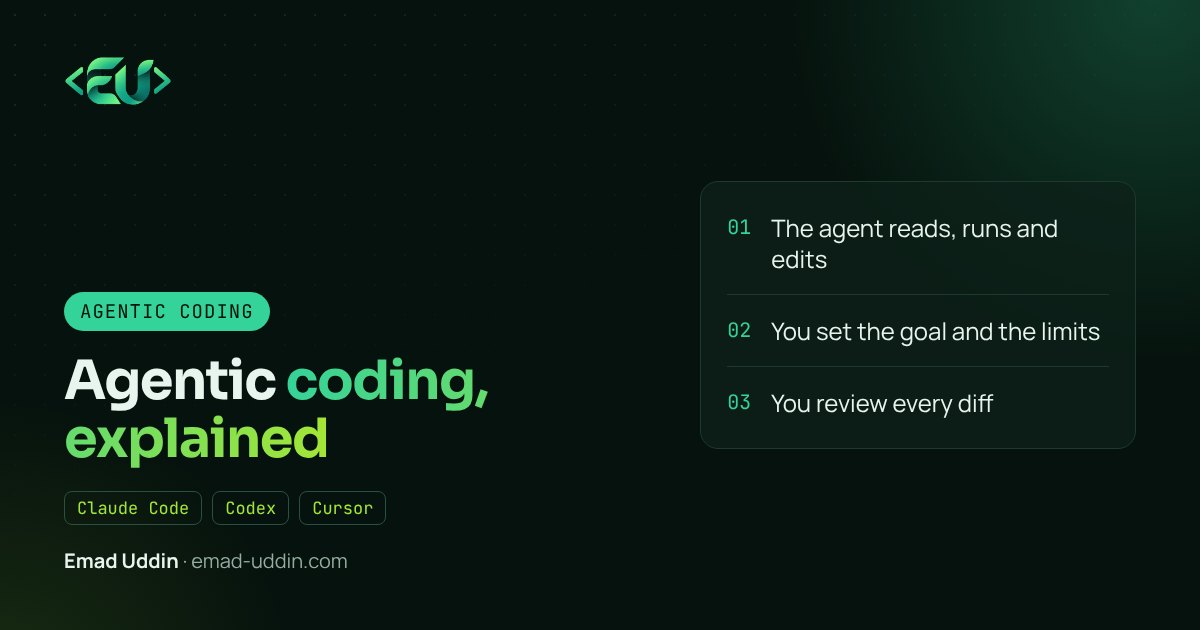
A year ago I used AI the way most developers did: autocomplete in the editor and a chat window on the side for questions. Now, on most days, I give a task to an agent, let it work through the codebase, and spend my time reading its changes. That shift has a name: agentic coding.
This post explains what agentic coding actually means, how the loop works, and how I use it on real client work without letting it break things.
What agentic coding means
An AI coding agent is a language model with tools. It can read files, search the codebase, run terminal commands, run tests and edit code. Agentic coding is working with that agent on a task in a loop:
- You describe the task and what "done" looks like.
- The agent reads the files it thinks are relevant.
- It makes a plan and edits code.
- It runs the tests, the linter or the app.
- It reads the errors and fixes them.
- It repeats until the check passes, then hands the result back.
The important part is step 4 and 5. A chat assistant gives you code and hopes it works. An agent finds out whether it works and keeps going.
How it's different from AI autocomplete
With autocomplete, you're still the one driving. You decide which file to open, you type, the model guesses the next lines.
With an agent, you're closer to a tech lead. You write the ticket, the agent does the first pass, and you review. On a Laravel project that might sound like: "Add a CSV export to the orders page, same filters as the table, with a feature test." The agent finds the controller, the query, the Blade view and the test folder by itself.
That changes what the skill is. Typing speed matters less. Writing a clear task, knowing what good code looks like in your stack, and reading a diff carefully matter a lot more.
What I use it for
The tasks that work best for me have a clear finish line:
- Adding an endpoint or a screen that follows a pattern already in the codebase.
- Writing tests for code that has none, then refactoring with those tests as a safety net.
- Upgrading packages and fixing what breaks.
- Tracking down a bug from an error message and a stack trace.
- Boring but large changes, like renaming a field across an API, a Vue frontend and a Flutter app.
Where I still do most of the thinking myself: architecture decisions, anything touching payments or permissions, and data migrations on live databases. The agent can draft those, but I go through them line by line.
A recent example from MonsterClaw: adding an export with the same filters as an existing table, plus tests. The agent's first pass took about twenty minutes. I spent another half hour reviewing it and fixing two edge cases. By hand, that's most of an afternoon.
The tools
The main ones right now are Claude Code, OpenAI's Codex, Cursor's agent mode, GitHub Copilot's agent features and Google's Gemini CLI. They all follow the same loop. The differences are in where they run (terminal, IDE, cloud), which models they use, and how you control permissions. I compare them in a separate post.
Most of my own work happens in Claude Code, in the terminal and inside VS Code.
How I keep it from breaking things
An agent that can run commands can also run the wrong command. A few habits keep this safe:
- Work on a branch. The agent never touches main directly.
- Give it a way to check itself. Tests, a type checker, a linter. Without a check, the agent can only guess.
- Write down the project rules. Claude Code reads a
CLAUDE.mdfile at the start of every session. Mine says which commands run the tests, which folders not to touch, and the coding conventions for the project. - Limit permissions. Allow reading and editing freely, but ask before installing packages, running migrations or anything that talks to production.
- Read every diff. If I wouldn't merge it from a junior developer, I don't merge it from an agent.
Where it goes wrong
It's not magic. The failures I see most:
- The task was vague, so the agent solved a different problem than the one I had in mind.
- No tests existed, so the agent "fixed" something and broke something else quietly.
- The agent copied a pattern from an old part of the codebase that we'd already decided to stop using.
- It kept going in circles on an environment problem (a missing service, a wrong
.env) that a human would spot in a minute.
All four are fixed the same way: better context and a better finish line.
Is it worth learning?
Yes. Not because agents replace developers, but because the developers who can direct them well get a lot more done. For a freelancer or a small team, that's the difference between taking one project at a time and taking two.
Start small. Pick a task with a clear test, give the agent your project rules, and review what it does. You'll learn its habits within a week.
FAQ
What is the difference between agentic coding and AI autocomplete? Autocomplete suggests the next few lines while you type. An agent takes a whole task, reads the relevant files itself, runs commands and tests, and keeps editing until the task passes.
Which tools support agentic coding? Claude Code, OpenAI Codex, Cursor's agent mode, GitHub Copilot's agent features and Gemini CLI all work this way.
Is agentic coding safe for production code? It's as safe as your review process. Keep the agent on a branch, require tests to pass, read every diff and block dangerous commands.
If you want help setting up agentic workflows for your team or project, that's part of my AI automation work.